One code for the year group
Put it on the tables, the tickets and the big screen. Everyone scans it with their phone camera.
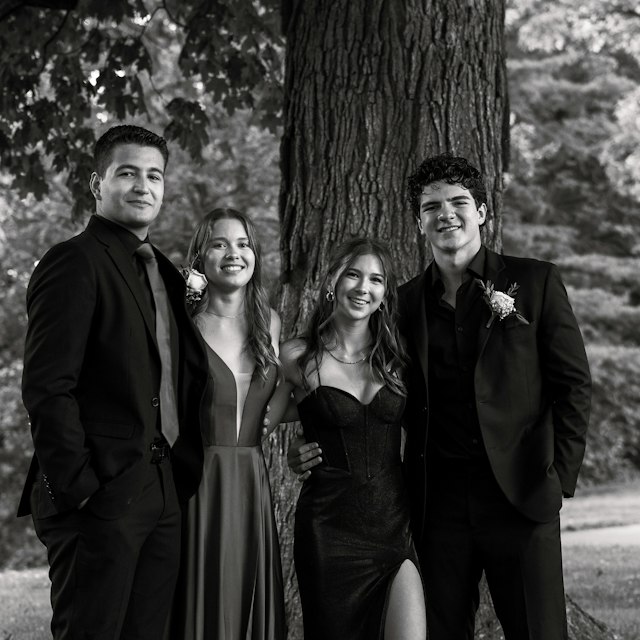
The best photos from the formal end up on 200 different phones. With Leaverbook, everyone scans one QR code and their photos and videos land in your Google Drive or Dropbox. No app or sign-in for guests.
Create an event albumFree photo & video collection. No subscription.
 before the formal ♡

Add it to the album.
Put it on the tables, the tickets and the big screen. Everyone scans it with their phone camera.
Students, parents and teachers upload photos and videos in their browser, in full quality.
Everything lands in a folder in the Google Drive or Dropbox you connect. We never keep a copy.
We connect the dots between everyone's phones and the storage you already use.
Name it, connect Google Drive or Dropbox and we'll make the folder.
Print table cards, add it to the ticket email or put it on the screen at the venue.
Photos and videos land in your folder, ready for the yearbook, a slideshow or a shared link.
Add the extras if they suit your event. You can decide later.
Get everyone's photos into one place.
A parent or friend can chip in and pay from the guest page.
Add it any time from your album. Photo collection never depends on upgrading.
Register your interest and we'll email you when they open.
Leaverbook helps school students, parents and teachers collect every photo and video from a formal, prom or graduation. The organiser connects a Google Drive or Dropbox and shares one QR code. Guests upload in their browser, with no app or sign-in, and the files go straight into the organiser's folder.
Whoever is organising the event: the formal committee, a student, a parent or a teacher. Use a Google Drive or Dropbox that the committee or school is happy to keep the photos in. Organisers need to be 13 or older, and under-18s should check with a parent, carer or their school first.
No. They scan the QR code and upload in their browser. No download, account or password.
Yes. Connect Google Drive or Dropbox, create an album and collect photos and videos at no cost. Your own storage capacity is the limit.
Straight into a folder in your own Google Drive or Dropbox. Leaverbook never keeps a copy of guests' photos and videos.
Follow your school's photo policy, and only share the album with people who were at the event. With the upgrade, you can approve contributions before anyone else sees them. If someone asks for a photo to be removed, delete it from your folder.
As a rough planning guide, allow 5 MB per photo: 20 photos need about 0.1 GB (100 MB), 100 photos about 0.5 GB, 500 photos about 2.5 GB, and 1,000 photos about 5 GB. For example, 50 guests sharing 20 photos each would need around 5 GB for photos alone. Actual sizes vary by phone and quality; high-resolution or RAW photos can be much larger. Add space for videos on top, then leave another 25–50% spare as a buffer.
For planning, allow roughly 0.1–0.5 GB (100–500 MB) per minute of phone video. Ten one-minute clips could need around 1–5 GB on top of your photos. This is an estimate, not a maximum: resolution, frame rate and format change file sizes, and 4K, high-frame-rate or ProRes recordings can need much more. Before the event, check the free space in your connected Google Drive or Dropbox account, rather than its total capacity. Existing files already use some of it; Google storage is also shared with Gmail and Google Photos. Check a few sample photo and video file sizes for a closer estimate, and free up space or increase your storage plan if needed.
For a one-off A$39 per album: a shared gallery for guests, written, voice and video messages, and approving contributions before they appear. A parent or friend can pay for it from the guest page if you allow it.
Online leavers books with a printable PDF, year level farewells and teacher time capsules. Register your interest below and we'll email you when they open.
Let everyone's photos come to you.


